Starnote for Iridium Quickstart
Welcome to Blues! Our tutorials below will help you get up and running with a Blues Starnote for Iridium Starter Kit. If you run into any problems, or have any questions along the way, feel free to reach out in our forum.

1. Learn the Basics of Notecard
Learn how to connect to Notecard, how to set up Notecard’s companion cloud backend, Notehub, and how to start working with data.
Start the Notecard Quickstart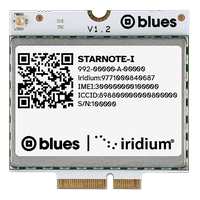
2. Send Data Over Satellite
Learn how to set up your Starnote, how to configure your Notecard for NTN connectivity, and how to send your first data over a satellite connection.
Start the Starnote QuickstartNext Steps
Now that you know the basics of how Notecard and Starnote work, you’re ready to apply what you’ve learned towards a real project. We have a few recommendations on what to do next:
-
Learn Satellite Best Practices: Learn tips to help you build a solution that maximizes the utility of Starnote, while minimizing unnecessary usage of your satellite data allocation.
-
Follow the Notehub Walkthrough: Learn how to manage projects and device fleets, update Notecard and host firmware, set up alerts, securely route your data, and more.
At any time, if you find yourself stuck, please reach out on the community forum.
